


When photo editing software came along with the first personalized operating systems in the 1980s, it changed photography forever. It became no longer enough to simply take photos with excellent lighting and good composition to make it as a photographer. Instead, there is a real art to how the images are processed afterward – think editing, enhancing, creating illustrations, or making artworks. But don’t worry, we’re here to help you through our top three tools to help you with your next creative project.
Photoshop
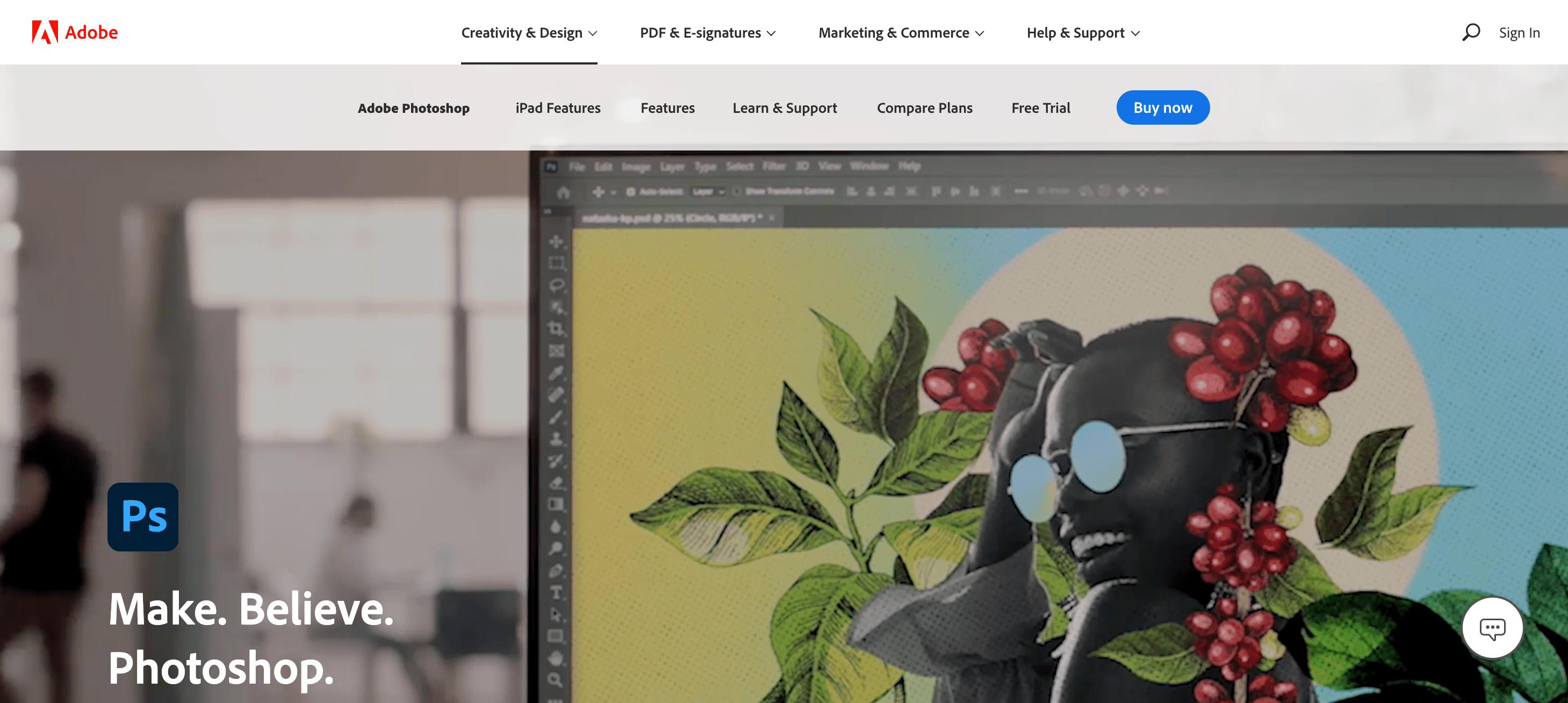
So it wouldn’t be a well thought out list of excellent photo editing software without the inclusion of Adobe Photoshop. Call it the Ferrari of photo editing tools, Adobe Photoshop is sophisticated and highly functional but doesn’t come cheap. It is also no surprise that it dominates the market with almost 50% of the share and is the go-to tool for professional artists, photographers, web developers, illustrators, and designers. It has an enormous range of features, and there’s almost nothing that cannot be done with Photoshop.
Here we have listed Adobe Photoshops main tools to help you navigate past some of the technical stuff:
- Retouching and painting tools – involves small localised adjustments to enhance images at a pixel level.
- Brush tools – the primary painting tool to apply colour to elements of the photo or artwork.
- Clone stamp tool and pattern stamp tool – remove or move parts of a photo or add a pattern to the image.
- Transformation tools – rotate, scale, or change perspective of a photo.
- Liquify tool – similar to the transformation tool, it distorts photos and/or artworks.
- Crop and slice tools –allowing to select and highlight the most essential part of an image.
- Move and selection tools – move photos or specific layers or components of an artwork.
- Measurement tools –can apply to colour sampling or simple measuring of photos or elements.
- Type and drawing tools – for copy and for adjusting the frames of photos.
- Navigation tools –similar to transformation, this has hand, rotate view, and zoom tools.
Photoshop is used to design apps, websites, mobile apps, posters, banners, and icons and comes with many easy to use templates straight out of the box. Photoshop also integrates seamlessly with other Adobe programs such as InDesign, Illustrator via Adobe Creative Cloud and has its very own Stock Image gallery. In the latest version of the Adobe Creative Suite, it is now easier for teams to collaborate even remotely with new ways to store, share, and review files.
Pixlr X and Pixlr E
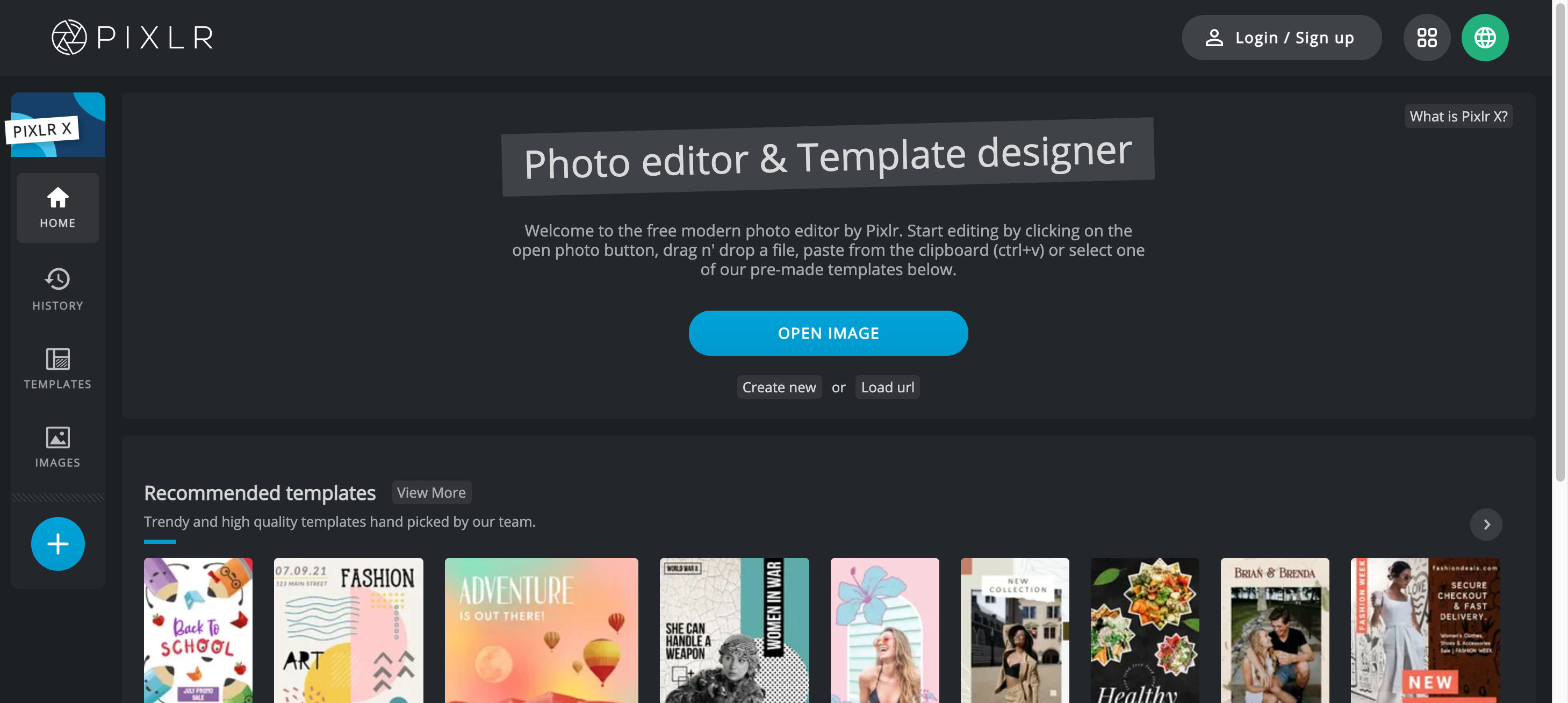
Pixlr is a free web-based application for photo editing. It could be described as a solid middle-range option between highly-functional but expensive software like Adobe Photoshop and the native photo editing software from your Windows or Mac operating system.
Overall, Pixlr is a tool that covers many of the main features required for basic photo editing, which we will go more into detail below. You can choose from a Free, Premium, or Professional monthly plan, of which the paid versions are incredibly reasonable. It also has mobile, desktop app downloads or can be used from the browser.
There are two versions of Pixlr – both of which are web-based or can be used from an app on most operating systems or devices – yet it is sometimes difficult to understand the difference. The short answer is that Pixlr E is a more powerful version. Here we will try to break it down for you.
Pixlr X
Easy-to-use photo editing software designed to be used by anyone wishing to get creative with their photos or images.
Features include:
- Resizing, cropping, or rotating and flipping your photos.
- An auto-fix option to adjust light, color, and tone to make your photos look great with just one click.
- Preview and test effects before committing to changes.
- Options for stickers, shapes, and fun fonts.
- Photo effects and filters optimized for certain photo types such as portraits, food, or nature, to name a few!
Pixlr E
Designed to be more sophisticated than Pixlr X, this version of the Pixlrs photo editing tool is more suited to professionals or amateurs with some knowledge of how to use various design applications. It has more features and is more commonly used by designers, photographers, and artists. It is sometimes used as a basic teaching and learning tool for various arts education as well.
Features additional to those of Pixlr X include:
- Layers, lasso tool, brush controls, cloning, and filters.
- Liquify tool to distort and manipulate images.
- Built-in Stock imagery.
GIMP
It also wouldn’t be a fair list if we didn’t throw in a good open-source photo editing software option to show the full range of options available to you. GIMP, short for GNU Image Manipulation Program, is a free, open-source editing tool used for the usual things like manipulating and editing images and drawing. However, it plays a role in more specialised and technical tasks such as transcoding between image file formats.
Open-source refers to the concept of free to use and distribute, with source code available freely for people to access and change as they wish. It also means the software is primarily made by the community for the community, benefiting from global contributions.
As for GIMP, the tool includes many of the same features as our other two options and is ideal for high-quality photo manipulation, original artwork creation, and graphic design. It also boasts a great deal of flexibility when integrating with program languages. Unlike its competitors, it has a robust framework for scripted image editing.
Some of the features of GIMP are:
- Customisable interface – meaning you can adjust your user experience to how you like, even going as far as changing it to be close to your other favourite tools.
- Photo enhancement – like the others, in the form of filters, light, and colour adjustment.
- Digital retouching – localised image adjustments.
- Hardware support – GIMP will help you install or change their source code through their many online resources.
- File formats – a framework for scripted image editing.
It is worth mentioning that GIMP is considered an attractive entry-level photo editing tool despite its technical image editing capabilities. However, with its customisable interface and third-party plug-ins, both amateurs and professional graphic designers, photographers, illustrators, and artists enjoy using GIMP.
Under the GPLv3+ license, GIMP is available for Windows, macOS, and Linux.


